[02] - Computer Setup
Do not attempt to install any application that interfaces with the network or server. You will get your computer automatically locked by IT until they can scan your device for viruses.
Installing Programs
Due to security reasons, IT has restricted the ways in which we can install programs on to our computers to the following:
- Company Portal
- VM
If none of those ways work for the application that you need, you will need to submit a ticket to IT and have them install the program on to your computer with their admin credentials.
Company Portal
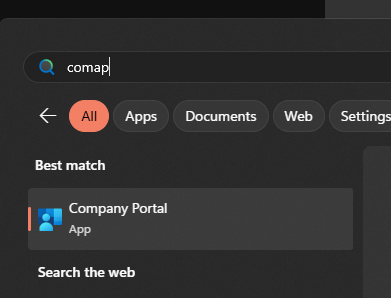
The company portal is a way to install programs that IT have previously vetted as acceptable to be installed on any computer in the company.
Many will be installed already by IT when you get your computer, but I reccomend making sure the following are installed, and installing if they are not:
- Bitwarden
- draw.io
- Everything
- Grant access to Network Configuration Changes
- Microsoft Power Toys
- Notepad++
- VLC
- Wrike for Windows
Validating Hardware
Check that your computer is utlizing its hardware properly.
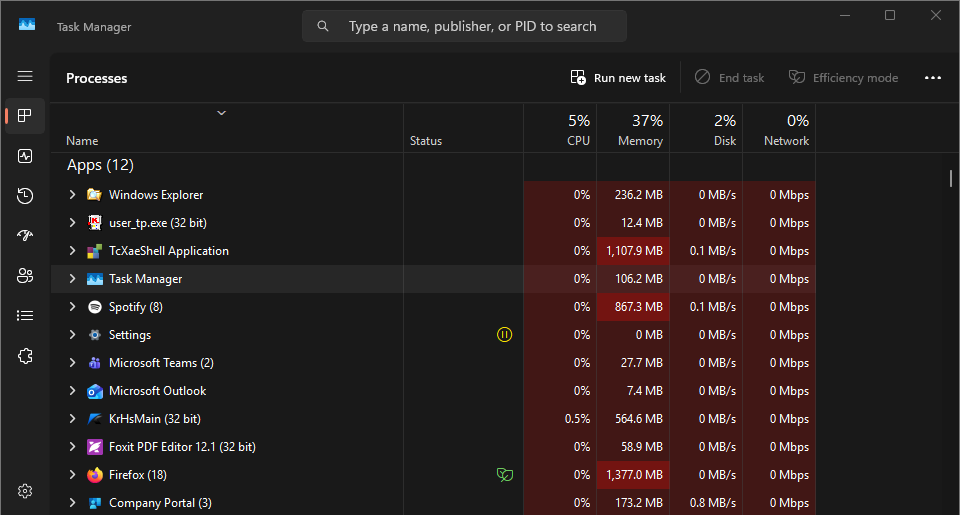
- Launch Task Manager. You will need to input your password.
-
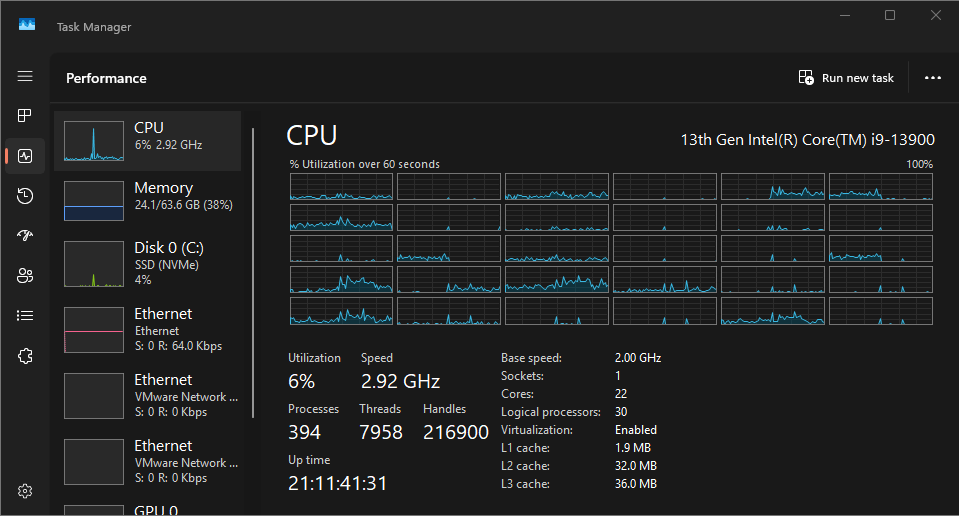
- Navigate to the Performance panel
-
- Make note of what CPU your computer has
-
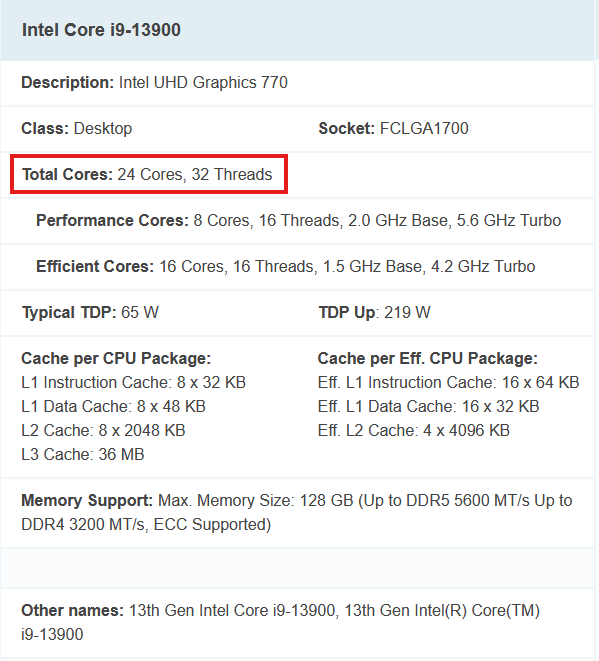
- Google this CPU and note the cores
-
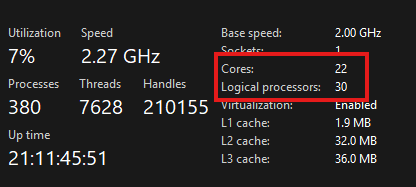
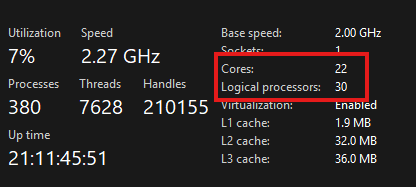
- Ensure that the cores mentioned in the Performance Pane match this number of cores in the specs
-
-
In my case, I have dedicated 2 cores to an external process, so this may not be the best example, but yours should match the Googled spec identically.
-
- If these core numbers don't match, contact IT. Your computer may not be utilizing its CPU properly.