[2] - TwinCAT Xae Shell Settings
All of the following can be found in the XaeShell under the top bar Tools>Options
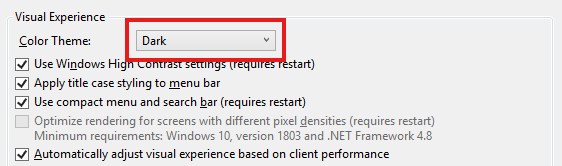
Theme
Environment>General
Source Control
Source Control>Git Global Settings
See TwinCAT Git Integration for full setting and setup
PLC Environment
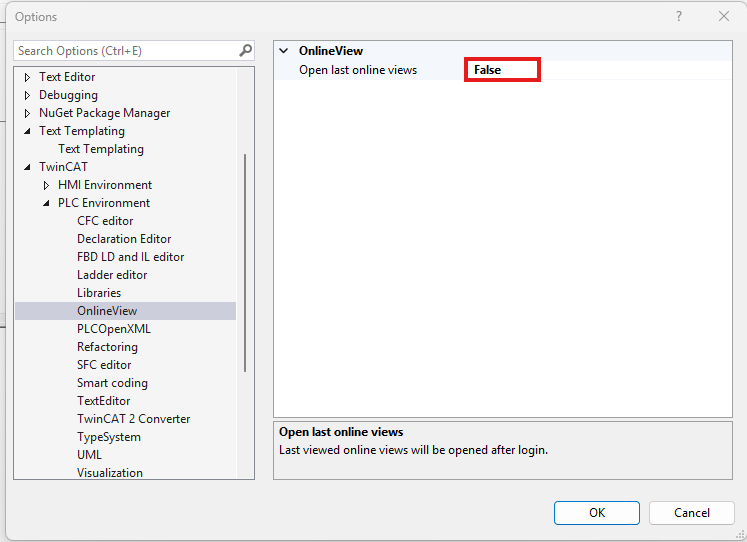
Twincat>PLC Environment
Settings for individual coding languages are here.
I find this setting annoying, so I turn it off [False]:
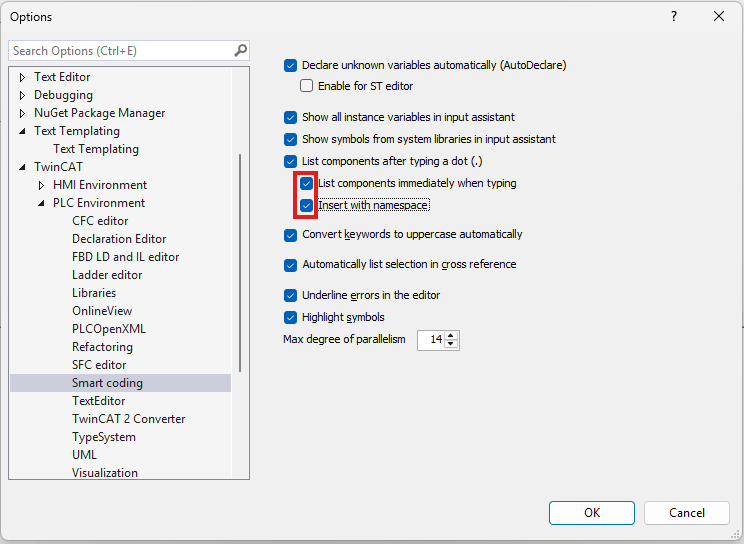
Tick both boxes to allow predictive autofill.
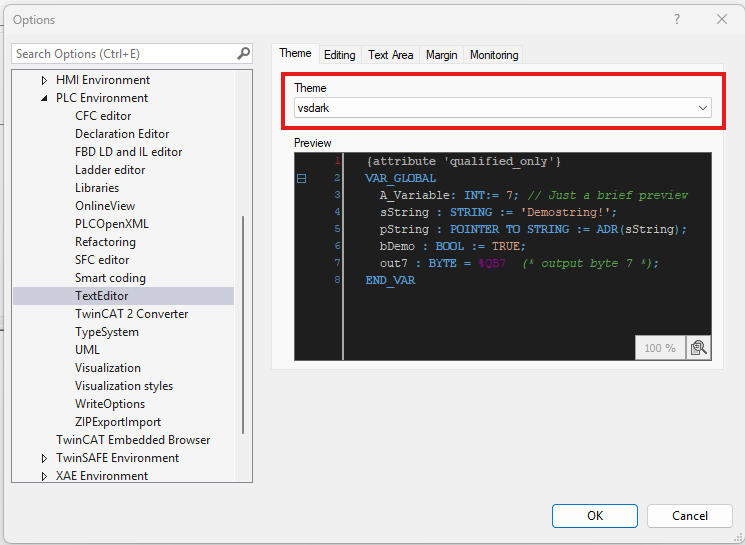
Text Editor Theme
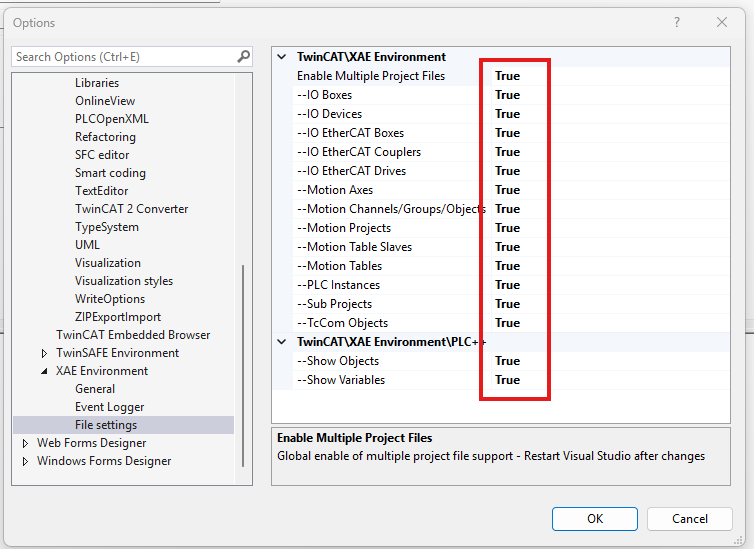
Allow Multiple Project Files
Set everything here to true.
TwinCAT>PLC Environment>XAE Logger> File Settings