
HMI Speed
When creating an HMI that contains controls that are on the server (TcHMIEcDiagnostics, TcHMIEventLogger, etc) the HMI becomes laggy and loads up contents at a much slower rate than normal. There are a few ways to fix this.
- Under the projects properties - Deployment - Interval
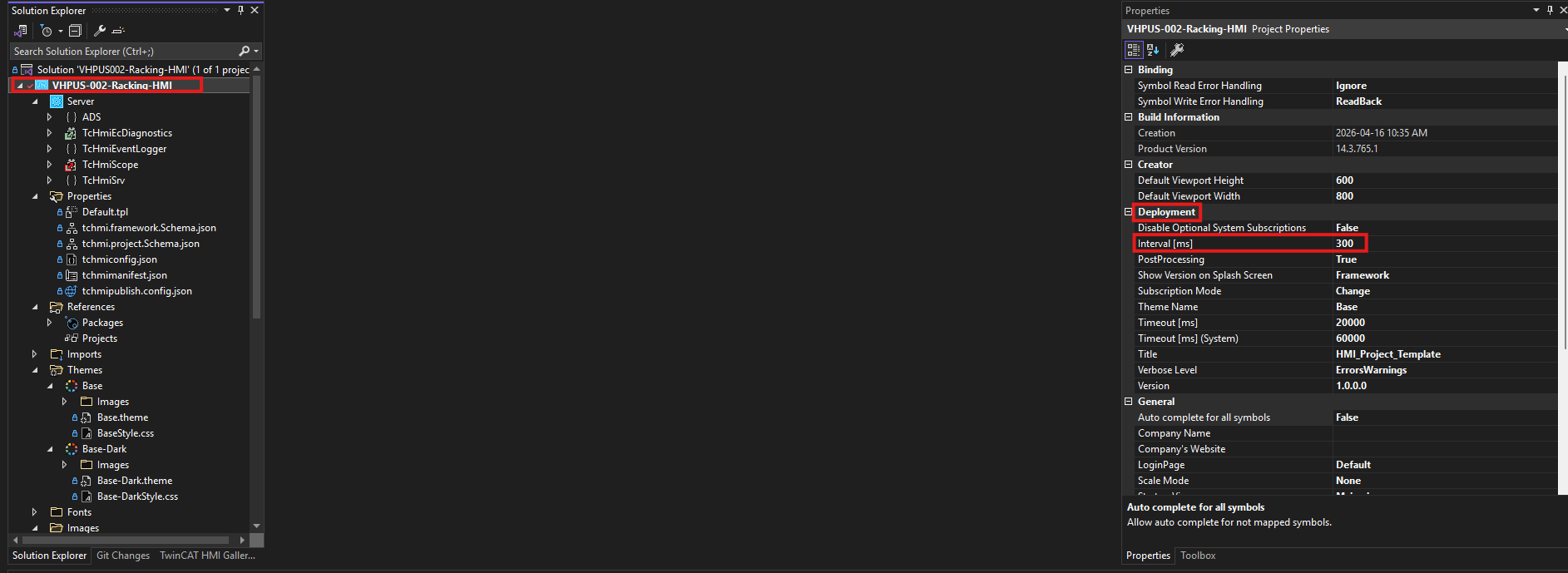 The default value is 500ms and can be lowered making the UI feel much more responsive. Its recommended to not go under 100ms as this can cause severe cycle overruns, CPU starvation, and watchdog crashes.
2. Under each content properties - change 'Preload' to TRUE.
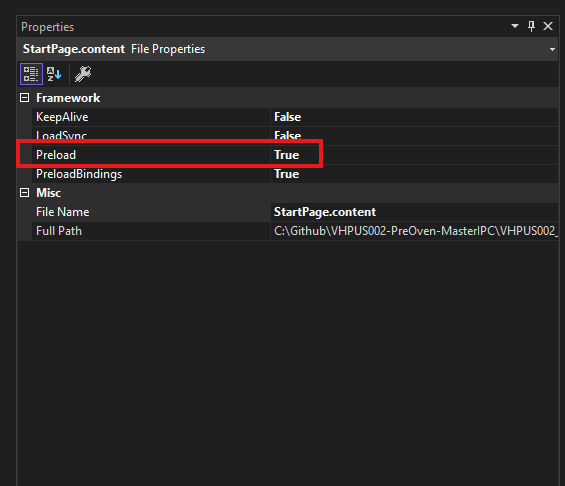
Enabling this loads and compiles the pages during initialization significantly speeds up page navigation.