
Issues with Solutions
[2025.09.19]
Problem:
In the middle of a cycle, there seemed to be a dropped comm when talking to the robot. The robot gave the command to open the tool, and the PLC did not carry out the action, despite the handshake protocol I set up. Comms between the PLC and the robot immediately started acting on the fritz, with strange commands to start the bot when the PLC was not running and stop signals not carrying through. We stopped the robot and put the IPC back into config mode to try and diagnose the problem, but now when we try to go into run mode, nothing seems to be working as intended. The route was not working and when I went to re-add the route, I got the following error: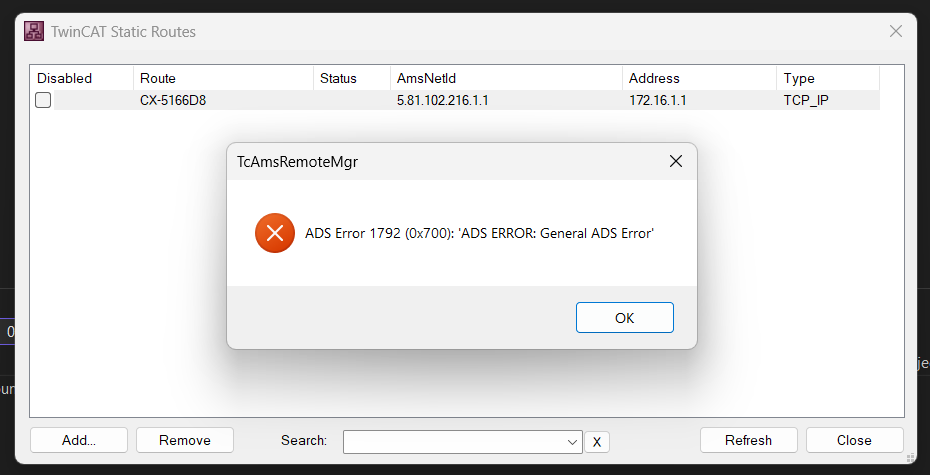
I managed to create a new route that seemed to overwrite the old one and got connected with the lock symbol.
When I click "Restart TwinCAT System" to put the IPC in run mode, it looks like it's in Run mode on TwinCAT, but the IPC still shows a Blue TC light, indicating it's still in Config mode, unless I'm mistaken.
When I try to login, in this state I get the following error: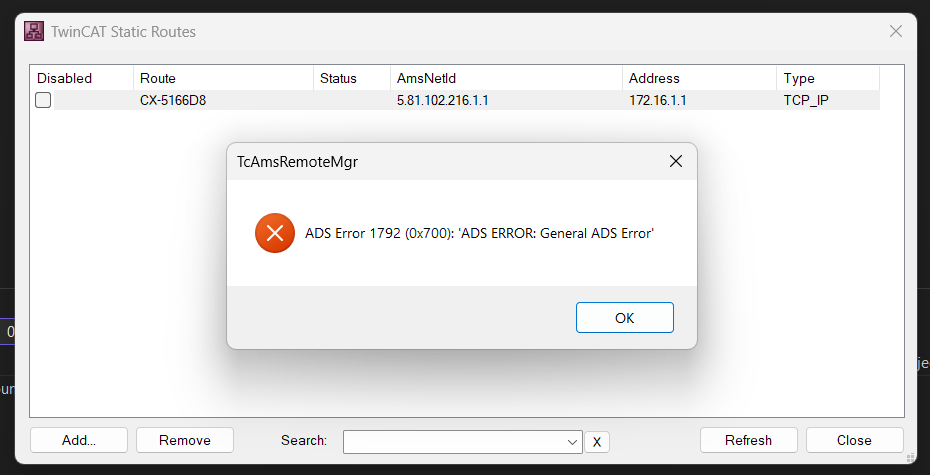
Then clicking "Restart TwinCAT System (Config Mode)" I get the following error:
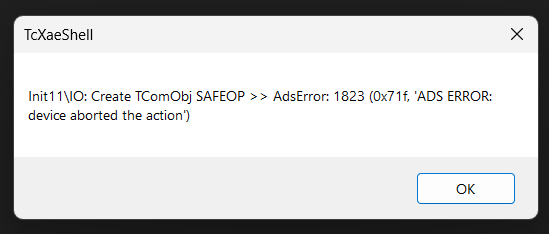
Thinking something is wrong with the project as a whole, I attempt to Activate Configuration and get this error: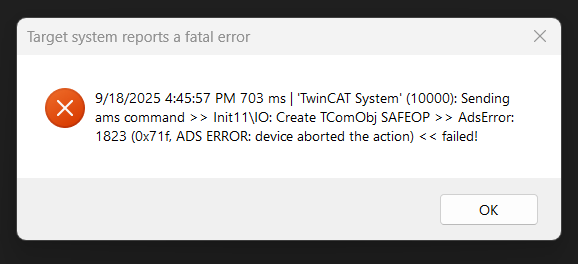
Resolution:
On advice from Ryan Maw:
"These look like EtherCAT IO related errors. If you go to the EtherCAT device master in your I/O tree, and bring up the online Topology on the EtherCAT tab, does everything appear normal? If you rescan your IO with the little magic wand button, in config mode, does it report that the current IO config is identical to the scan results? If you put it into Config/FreeRun mode, and go to the ONLINE tab, of the EtherCAT master, what state are your EtherCAT modules in? Do you have any CRC error counts above zero? "
This solved the issue, specifically scanning the IO again. There seemed to be a missing End Cap from the IO map.
- Opening the Online Topology in the EtherCAT master tab displays a popup saying "Invalid Device ID"
- I rescanned my network and everything was identical except for an EL9011 (End Bus Cover), I added that into the network.
- After rescanning the network, I was able to go online and everything seemed normal again.
- All my devices were in OP mode